


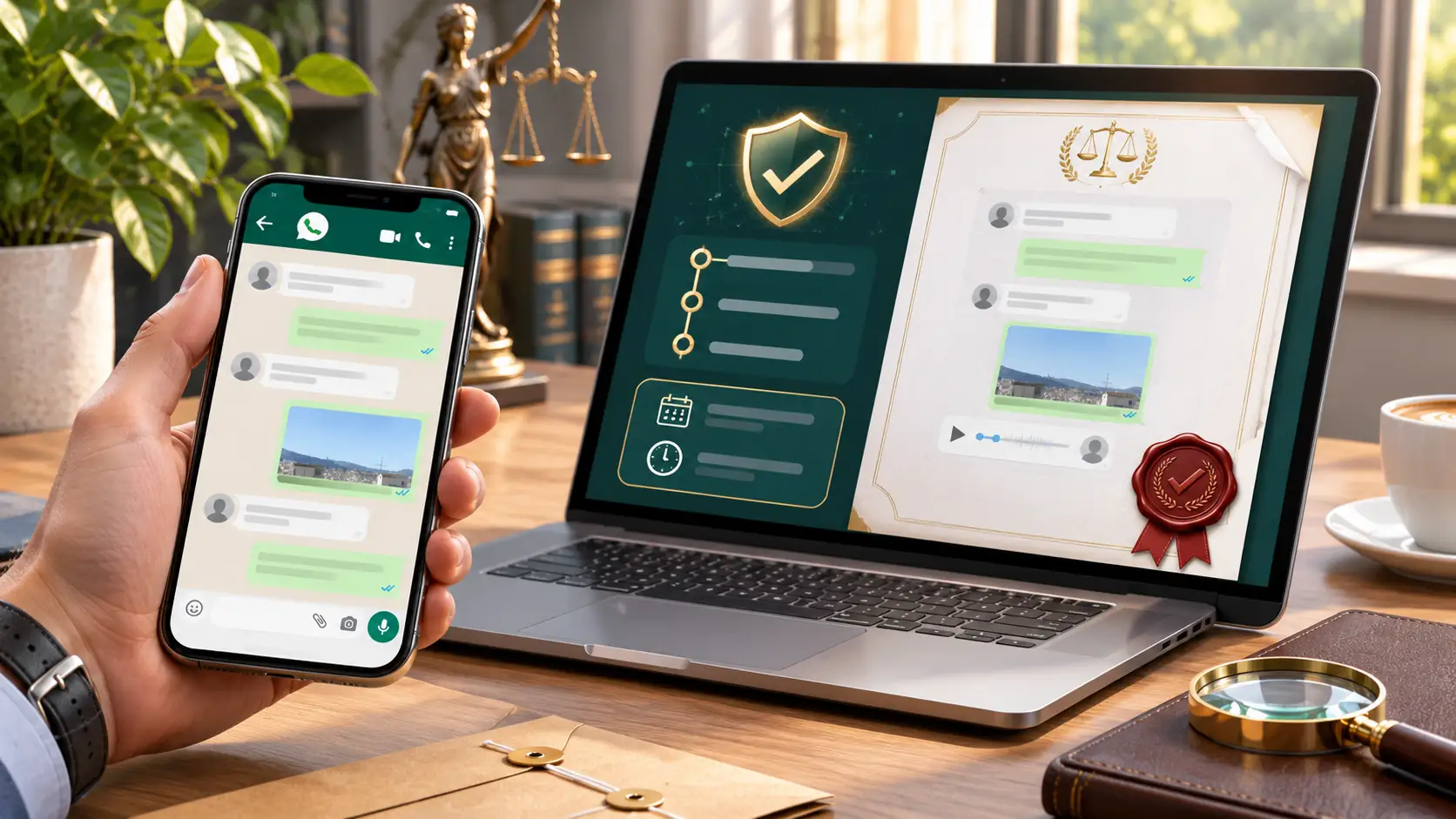
Converting a WhatsApp conversation to PDF allows you to bring exported messages together in a readable, organised document that is easy to review, save, share or print.
At SaveTheProof, we offer our WhatsApp to PDF tool, which transforms an exported chat into a file with a layout similar to the conversation displayed on your mobile phone.
This tool does not certify the authenticity, origin or authorship of messages. Its purpose is to make chat histories easier to read, not to determine whether they were modified before being exported.
Why Convert a WhatsApp Conversation to PDF?
A WhatsApp PDF is a representation of the data available in an exported chat. It allows you to read messages in sequence without relying on your phone screen.
Converting a conversation can be useful when you need to find information, review agreements or prepare documentation for someone else. The PDF makes the content easier to consult but does not validate it.
- Organise lengthy chats: group messages by date range and archive them using filenames that indicate the relevant dates.
- Review business agreements: check quotations, orders, instructions and conversations with customers or suppliers.
- Review workplace communications: locate work-related instructions and messages while respecting confidentiality.
- Prepare for professional advice: share relevant messages with a solicitor, adviser or other specialist.
- Organise information for complaints: review conversations relating to orders, disputes or refunds.
- Preserve personal conversations: keep exchanges that you may want to read or print at a later date.
Example: if you need to review several months of messages about a quotation, you can generate separate documents for different periods and find relevant dates and replies more easily.
When sharing a chat with a professional, it is important to preserve the context of the messages and consider which personal details are necessary. Avoid sharing entire conversations when an extract is sufficient.
How to Convert a WhatsApp Chat to PDF with SaveTheProof
To convert WhatsApp chats to PDF online, you must first export the conversation from your mobile phone. You can then select the messages you want to include in the document generated by SaveTheProof.
You can use our WhatsApp to PDF tool, available through your account. The process involves importing the chat, selecting a date range and downloading the PDF.
- 1. Access the tool: sign in to SaveTheProof and open WhatsApp to PDF from the tools menu.
- 2. Save our contact: add our WhatsApp number, +34 613 44 66 29, to your mobile phone.
- 3. Validate the code: generate the export code and send it to our WhatsApp contact, making sure you include the hyphen.
- 4. Export the chat: open WhatsApp, select “Export Chat” and share the ZIP file with our contact.
- 5. Select the messages: choose the date range and identify yourself using the “¿Quién eres?” (“Who are you?”) option.
- 6. Preview the PDF: generate the document and review the watermarked preview before making a payment.
- 7. Download the document: complete the payment, unlock the PDF and save the final version somewhere you can easily access it.
On Android, “Export Chat” is usually available from the conversation menu. On iPhone, you can access it through the contact or group information. Menu options may vary depending on the WhatsApp version.
Consult our guide to exporting WhatsApp chats to PDF and our illustrated manual if you need detailed instructions.
Each PDF supports up to 1,000 messages. If you need to convert a longer conversation, select shorter date ranges and generate several consecutive documents.
We currently offer downloads for €0.95 per PDF, including taxes, as part of a limited-time promotion. You can review the document in the preview before paying.
Once downloaded, save the PDF using a clear filename, such as the contact name and date range. Keep the original chat export as well so that you can refer to it later.
What Does a WhatsApp PDF Include and What Are Its Limitations?
The PDF provides an organised representation of the exported chat, rather than an exact reproduction of every WhatsApp feature. Its contents depend on the messages and files included in the import.
- Text messages: are displayed in sequence to make the conversation easier to read.
- Participants: are identified using the names and information included in the export.
- Dates and times: are displayed when they are available in the imported chat history.
- Emojis and links: may appear within the text, although their visual elements are not always preserved.
- Photographs and attachments: depend on which files are available and how the conversation was exported.
Before importing a chat, check or download any images and videos you need in WhatsApp. If they were not included in the export, they may appear as “media omitted”.
- Message reactions: emojis added as reactions are not reproduced in the same way as in WhatsApp.
- Image captions: an image may appear without the accompanying text.
- Thumbnails: link previews and video message thumbnails may not always be displayed.
- Calls: some entries may appear as “null”, while missed calls may be absent.
- Other elements: additional differences may occur depending on the WhatsApp version and exported content.
Always check the preview, particularly the beginning and end of the selected date range, participant names and important messages. If information is missing, review the original export.
SaveTheProof does not verify whether a conversation was manipulated before being submitted or guarantee that the PDF contains every original message. The generated file is not a digital evidence certificate.
If you need to establish the origin or authorship of messages through technical analysis, a digital forensic examination of the device and available data may be required.
Consult our WhatsApp to PDF terms and conditions to understand the scope of the tool and its limitations regarding authenticity and privacy.
Frequently Asked Questions About Converting WhatsApp to PDF (FAQs)
Can I Convert a WhatsApp Group Chat to PDF?
Do I Need to Install Another App to Convert WhatsApp to PDF?
Can I Use a WhatsApp PDF to Restore a Conversation?
Can I Recover Deleted Messages by Converting a WhatsApp Chat to PDF?
What Happens to the Messages I Send for Conversion?
Converting WhatsApp chats to PDF helps you organise and review conversations, select date ranges and share readable documents, without suggesting that their authenticity has been verified.
At SaveTheProof, we make the process easier with an online preview and download service. Create your account and start converting your WhatsApp chats to PDF.